 Sep 01 2026
 Mar 01 2026
 Autumn 2025
 Vol 9 2024
 Vol 8 2023
 Vol 7 2023
 Vol 6 2023
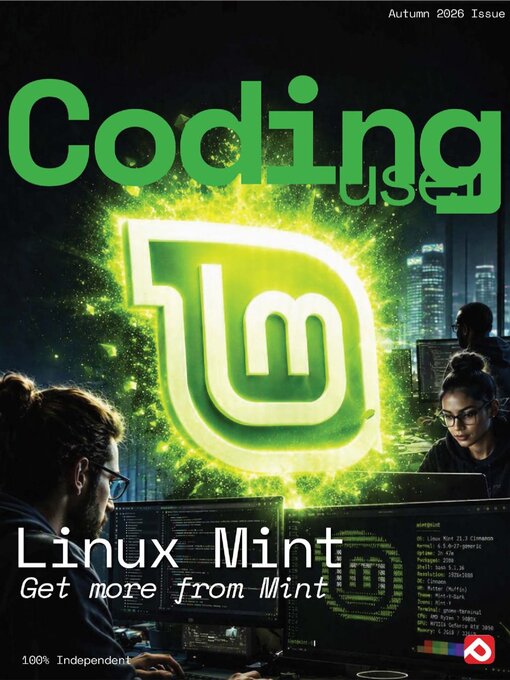
Within Coding User, our team of industry experts and professional coders cover all the tools you need to get coding. From those first few lines of code that will change your world forever to insider tips and tricks to advance your skills and programming abilities. Each issue features up-to-date user tutorials, put together in an easy to follow step-by-step manner, building to create a multi-volumed series that will see you get to grips with code but also improve your knowledge, job prospects, and expand your horizons. Let’s get coding, where the only limit is your own imagination. Subscribe today! 100% Independent! Please note: ALL free content and gifts are also available via this digital edition.
Everything you need to master Linux Mint
Introduction to Linux Mint
What is Linux Mint? • Linux Mint is one of the most popular Linux distributions available. Since it was first developed it has gone from strength to strength; and behind it is an active and helpful community. What is Linux Mint though?
History of Linux Mint • Although quite young in the world of Linux, Linux Mint has an impressive history. By reviewing it, you can see how the distro has evolved over time and how it’s continually improving itself thanks to the contributions from the community.
What Makes Mint Different? • There are countless distributions of Linux available, catering for a vast range of different user types, so why use Linux Mint over another distro? The competition for your attention is quite fierce when it comes to Linux but thankfully Mint has plenty of value worth considering.
The Mint Community • A Linux distro is only as good as the community that’s behind it. Without the users offering ideas, their time, support and help to others, Linux as a whole wouldn’t be where it is today. The Linux Mint community is a shining example of how a one should work.
What You Need • The system requirements for successfully installing Linux Mint on to a PC are surprisingly minimal, so even a computer that’s several years old will happily run this distro. However, it’s worth checking you have everything in place before proceeding.
Different Versions of Mint • Linux Mint comes in several different versions, or flavours: Cinnamon, MATE, Xfce, KDE, and LMDE 2; there are also 32-bit and 64-bit versions of these, too. What does it all mean though and which version should you choose for your installation?
Cinnamon Desktop Environment • Cinnamon is considered the flagship desktop environment for Linux Mint. Cinnamon was developed by the Linux Mint team and released about six years ago. It’s an excellent DE, which looks great and performs magnificently on modern systems as well as in a virtual environment.
MATE Desktop Environment • GNOME 2 was the default desktop environment for many different Linux distros in the past, until the team released GNOME 3. GNOME 3 was a very different environment and as such many users didn’t like it. Building off GNOME 2, MATE is a development fork from the original project.
Xfce Desktop Environment • Xfce is a lightweight desktop environment that’s aimed at low resource computers. Due to its lightweight nature, Xfce is a remarkably quick and responsive desktop. It has undergone many improvements over its 21-year history and is today one of the top Des on offer for the Linux user.
KDE Desktop Environment • Strictly speaking we should refer to KDE as the K Desktop Environment, instead of KDE Desktop Environment as we’d be repeating Desktop Environment twice. KDE is a flashy, heavily graphical interface with countless configuration options. It’s a superb environment to show off Linux Mint.
Downloading the Mint ISO • Now that you’ve had a little look at the different versions of Linux Mint available, it’s time to actually get hold of the ISO for the particular...